

Library
What the Library holds, who can read a saved item, and which guide to read to save, share, export, or track a conversation.
The Library keeps conversations with Prescient AI that you or your team chose to save. A saved item is a copy of a conversation at one moment, with its answers, charts, and tables. You can read it later, share it with your team, export it as a PDF, or run its questions again with new data.
The capture shows the Library page before an item is saved.
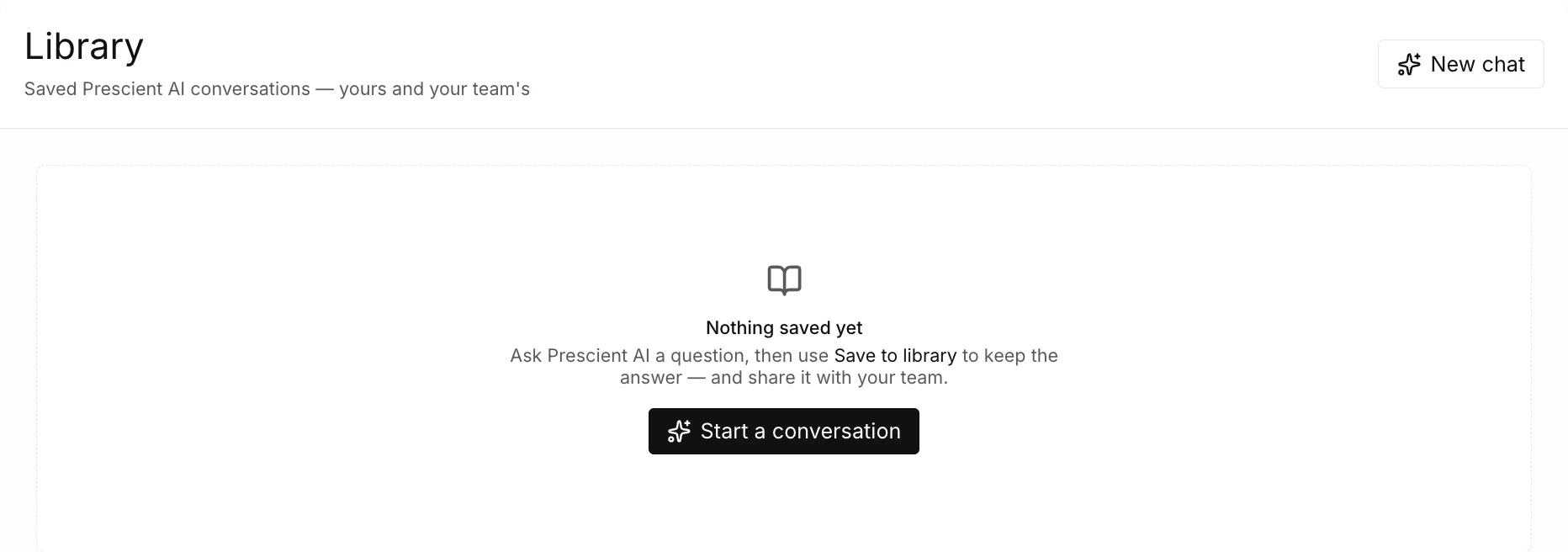
To open the Library, select Library below Prescient AI in the sidebar.
These pages use two words. A chat is the live conversation in Prescient AI. A saved conversation, or item, is the copy that the Library keeps.
What is in the Library?
Section titled “What is in the Library?”The Library page shows one card for each item. A card has the title, a Private or Shared badge, the description, the number of messages, the person who saved it, and the date.
| Tab | What it lists |
|---|---|
| All ({n}) | Each item that you can open. |
| Mine ({n}) | Each item of which you saved one or more versions. |
| Shared with me ({n}) | Each shared item that a different person saved. |
A word in braces stands for a value from your account or your plan.
The search field reads the title, the description, and the name of the person who saved the item.
Who can read a saved item?
Section titled “Who can read a saved item?”You select the visibility when you save.
| Visibility | Who can read the item |
|---|---|
| Private | The default. The dialog says that only you and Prescient staff can open the item. |
| Shared with your team | The dialog says that anyone in the workspace can read the item. A reader can also export it, copy its link, and run it again. |
The table gives what the save dialog says. The dialog states that Prescient staff can also open a private item. Only the person who saved an item sees the controls to change its details or remove it.
What is a project?
Section titled “What is a project?”When a chat contains a Media Forecaster plan that can be tracked, the save dialog has the title Save as a project. Such a plan is one that a person created and that you can open, for example a plan of a teammate whose results the chat shows. The daily recommendation is not such a plan. A project is a saved item with a plan. You can track the plan to its goal, with a check each Monday of how the plan paces. See Track a goal.
Guides
Section titled “Guides”For exact values, see Library reference. For the ideas behind a saved item and the pace of a goal, see Saved items and goal pacing.
Reference
Section titled “Reference”The reference pages of the Library are in the Reference tab. Each page lists the exact labels, options, limits, and messages of one screen.
- Library reference: the Library page, the item page, the save dialog, and a tracked goal.
For the meaning of a term, see the Glossary.